Resource hub
ProblemAdvice is useless when it does not lead to action. FixEach guide points to a practical next step inside the LMS offer stack.
Fix the leaks before buying more tools.
Use these guides to diagnose missed calls, weak reviews, website gaps, scattered follow-up, CRM confusion, AI setup, and referral opportunities.
Leads capturedConnected
AI responseConnected
Reviews requestedConnected
Follow-up sentConnected
Resource command center
Guides organized around the actual leaks local businesses feel.
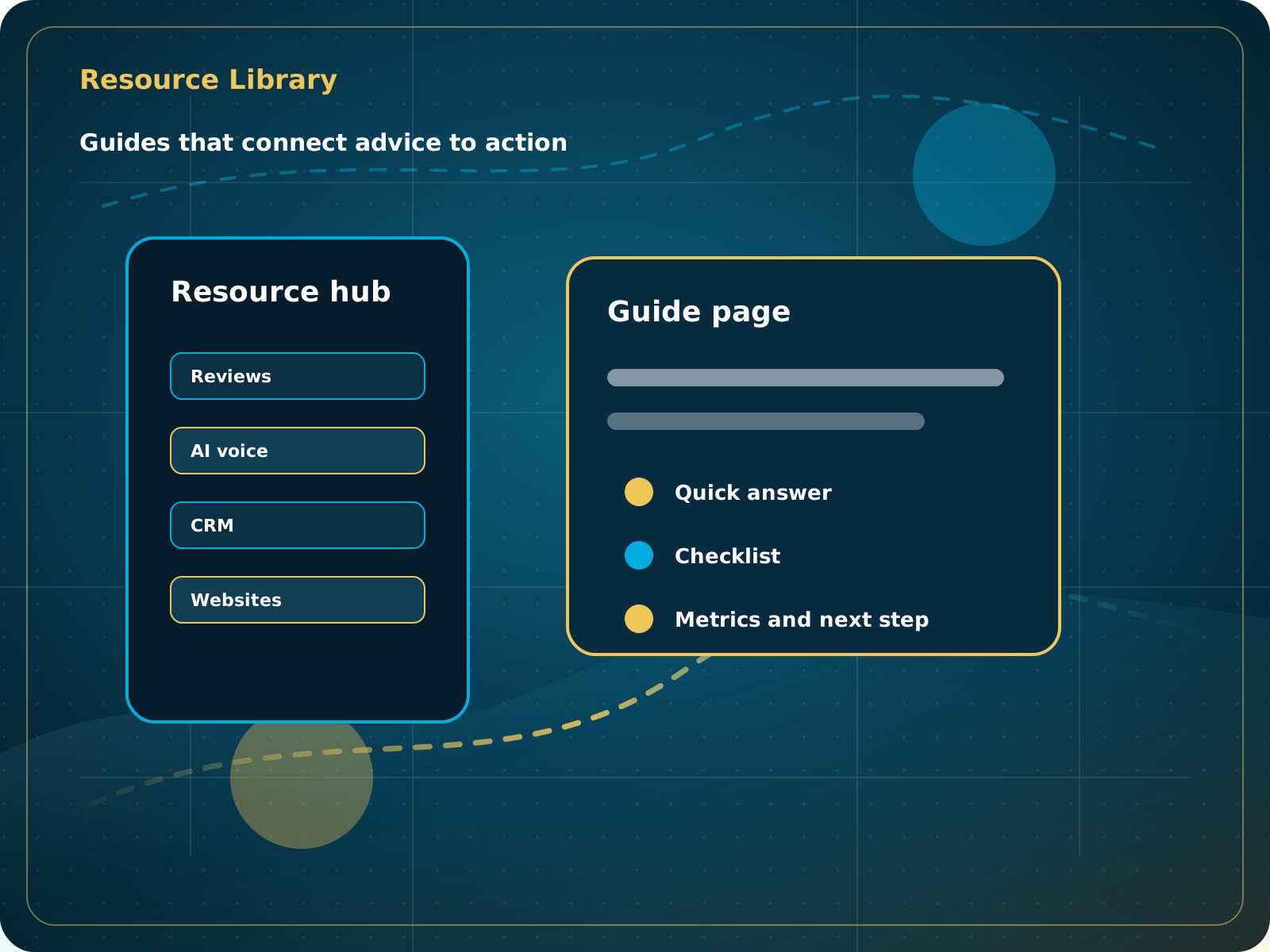
Each resource now has its own visual, quick answer, implementation checklist, mistakes, metrics, and LMS next step. This makes the resource hub more useful for buyers and stronger for SEO and AEO.
Diagnose by problem
Pick the resource based on the leak you see.
The resource hub is organized around real local business problems, not vague marketing categories.
AI Receptionist
The business has a response-speed problem.
Test the AIFoundation System
The business has a trust and social proof problem.
Start Foundation SystemBusiness Essentials
The business needs the core operating system.
See Business EssentialsBusiness Essentials
Start with the 15+ page CRM-connected website inside Business Essentials.
Build the Core SystemPlan finder
Click the problem. See the starting point.
The first move should fix the operating leak: reviews, missed calls, or scattered lead handling. Growth offers come later when the foundation can support them.
Business Essentials
$297/month + $997 setup
This is the core system. It includes Foundation System, AI Receptionist, CRM, website, reviews, booking, follow-up, proposals, invoices, and reporting in one connected place.
See Business EssentialsReviews and reputation
Reviews and reputation guides.
Google Business Profile Guide
How local service businesses can make their profile easier to trust, easier to contact, and easier to keep updated.
Read GuideReview Link and QR Code Guide
How to make review requests easier with direct links, QR codes, and simple customer instructions.
Read GuideReview Growth Playbook
A practical review system for asking at the right time, routing feedback, and showing proof online.
Read GuideFoundation System Guide
How to use reviews, social proof, and simple content tools as a standalone first step or as the review engine inside Business Essentials.
Read GuideAI and missed calls
AI and missed calls guides.
AI Voice for Local Businesses Guide
What AI voice can handle, what humans should still handle, and how to roll it out responsibly.
Read GuideAI Receptionist Setup Checklist
The business info, rules, FAQs, handoffs, and testing scenarios needed before launch.
Read GuideWhat AI Should and Should Not Handle
A practical guide to AI boundaries for calls, chats, follow-up, and customer experience.
Read GuideAfter-Hours Lead Handling Guide
How to give prospects a clear next step when the owner or team is unavailable.
Read GuideMissed Call Recovery Checklist
How to stop missed calls from turning into lost opportunities.
Read GuideWebsite, CRM, and follow-up
Website, CRM, and follow-up guides.
Website Homepage Checklist
The homepage sections local service businesses need if the goal is more calls, forms, trust, and bookings.
Read GuideLocal Business Follow-Up Audit
A self-check for finding the gaps between a new inquiry and a booked job.
Read GuideLocal Business CRM Basics
What a CRM should actually do for a local service business beyond storing contacts.
Read GuideLead Magnet System Guide
How to capture early-stage interest and turn it into useful follow-up instead of random traffic.
Read GuideBrand, social, and referrals
Brand, social, and referrals guides.
Branding and Colors Guide
How to keep your business visually consistent across your website, social profiles, review requests, and ads.
Read GuideFacebook Page Guide
A practical setup guide for turning a Facebook Page into a useful trust and communication channel.
Read GuideReferral Growth Playbook
How to build a simple referral loop around happy customers and repeatable follow-up.
Read GuideArticles
Systems-first strategy for local business owners.
Stop Missing Local Business Leads Before Buying More Traffic
A systems-first look at why slow response, weak follow-up, and scattered tools cost local businesses real opportunities.
Read ArticleWhy a Free 15+ Page Website Matters More When It Connects to Your CRM
The website should not be a brochure. It should capture leads, route conversations, support reviews, and connect to follow-up.
Read ArticleReviews, AI, and Follow-Up Work Better as One System
A practical breakdown of how reputation, AI response, and CRM automation support local business growth.
Read ArticleAI Receptionist for Local Service Businesses: What It Should Handle
A practical guide to using AI voice and chat for missed calls, common questions, lead capture, booking direction, and human handoffs.
Read ArticleWhat a Local Business CRM Should Actually Do
A CRM should organize contacts, capture leads, manage conversations, trigger follow-up, support reviews, and help owners see what needs attention.
Read ArticleWhy System-First Growth Beats Buying More Random Leads
Local Service Ads and Meta Ads work better when the website, CRM, reviews, AI response, and follow-up foundation are already connected.
Read ArticleRecommended tools
Useful tools, not a random software pile.
Canva, ChatGPT, Loom, Calendly, Google Search Console, Google Business Profile resources, and CRM reporting can all be useful when they support a real business process.
Some links may be affiliate links. We only recommend tools that are genuinely useful for local businesses.
Canva and Loom
Useful for simple visuals, client education, short videos, testimonials, and internal instructions.
ChatGPT
Useful for drafting FAQs, review replies, scripts, and process documentation when reviewed by a human.
Google tools
Google Business Profile and Search Console help track local visibility and search performance.
Next step
Use the guides to diagnose the gap, then fix the system.
The fastest path is not reading forever. Identify the gap, choose the right offer, and connect the business.